Note: This article is afor the newly redesigned module. This updated module is in the process of being rolled out and may only be available to some users.
Overview |
Note: Click on the images to enlarge them.
Table of Contents
Getting Around
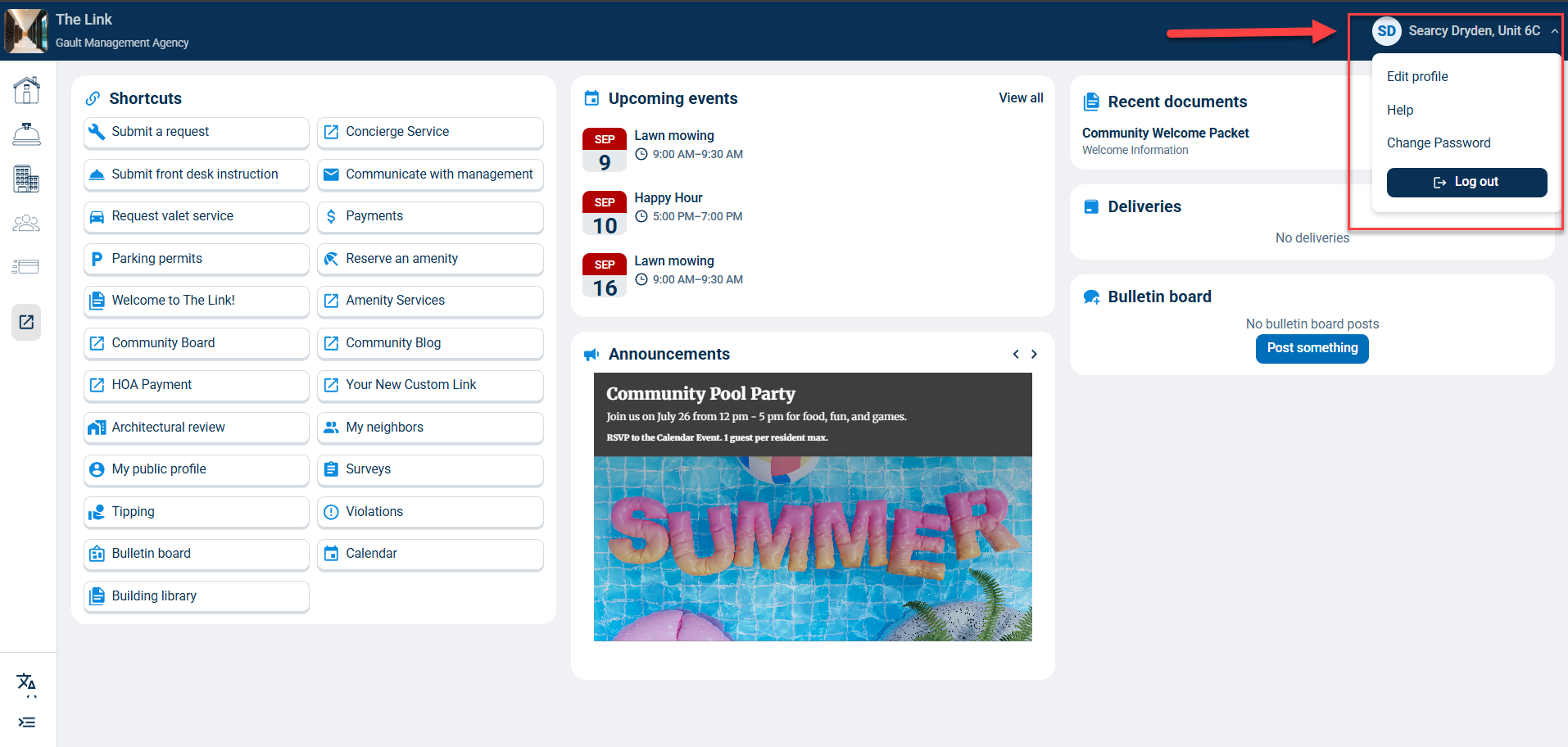
To edit your profile, change your password, or log out, click on your name at the top right of the homepage.
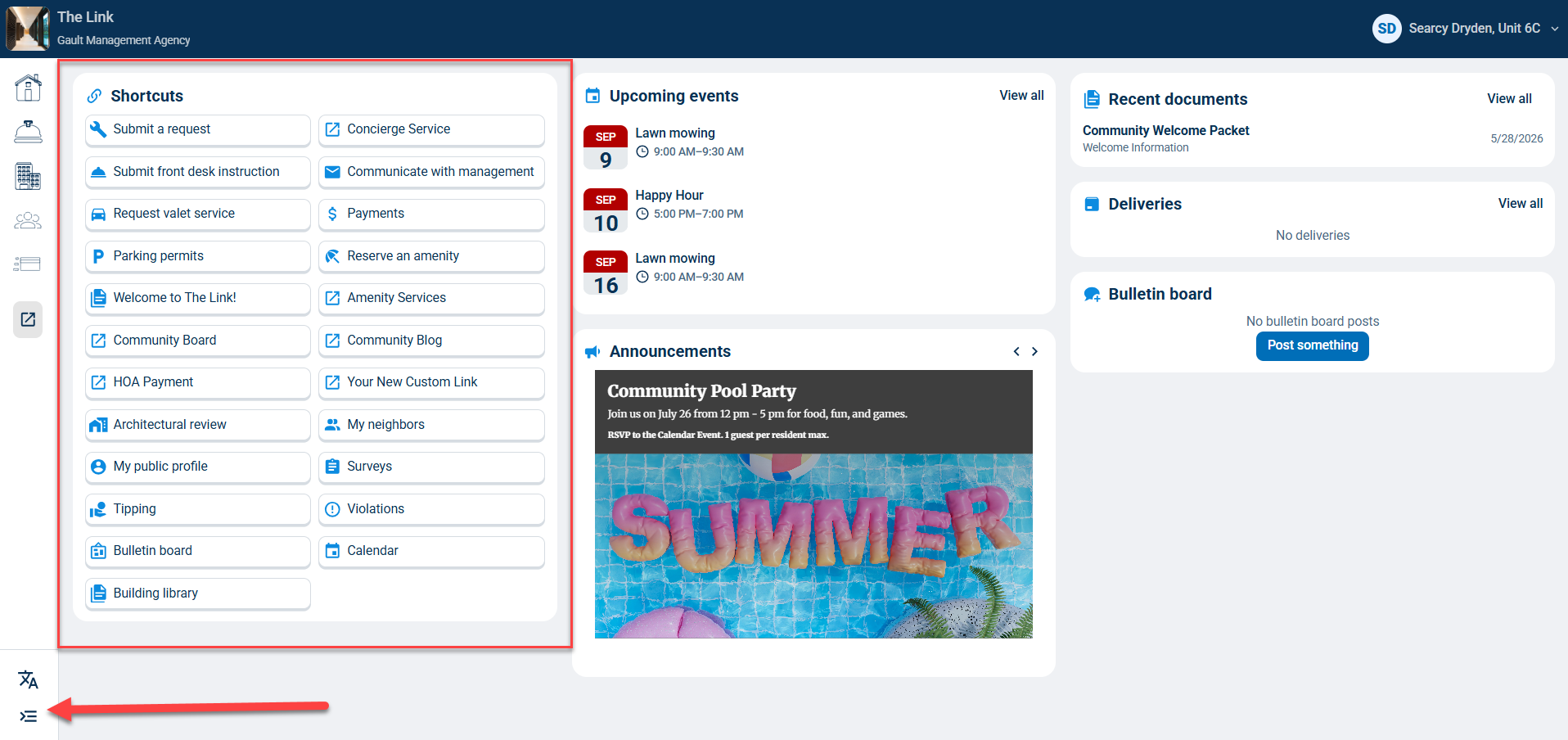
Click the buttons in the Shortcuts section to quickly complete those actions or view those items.
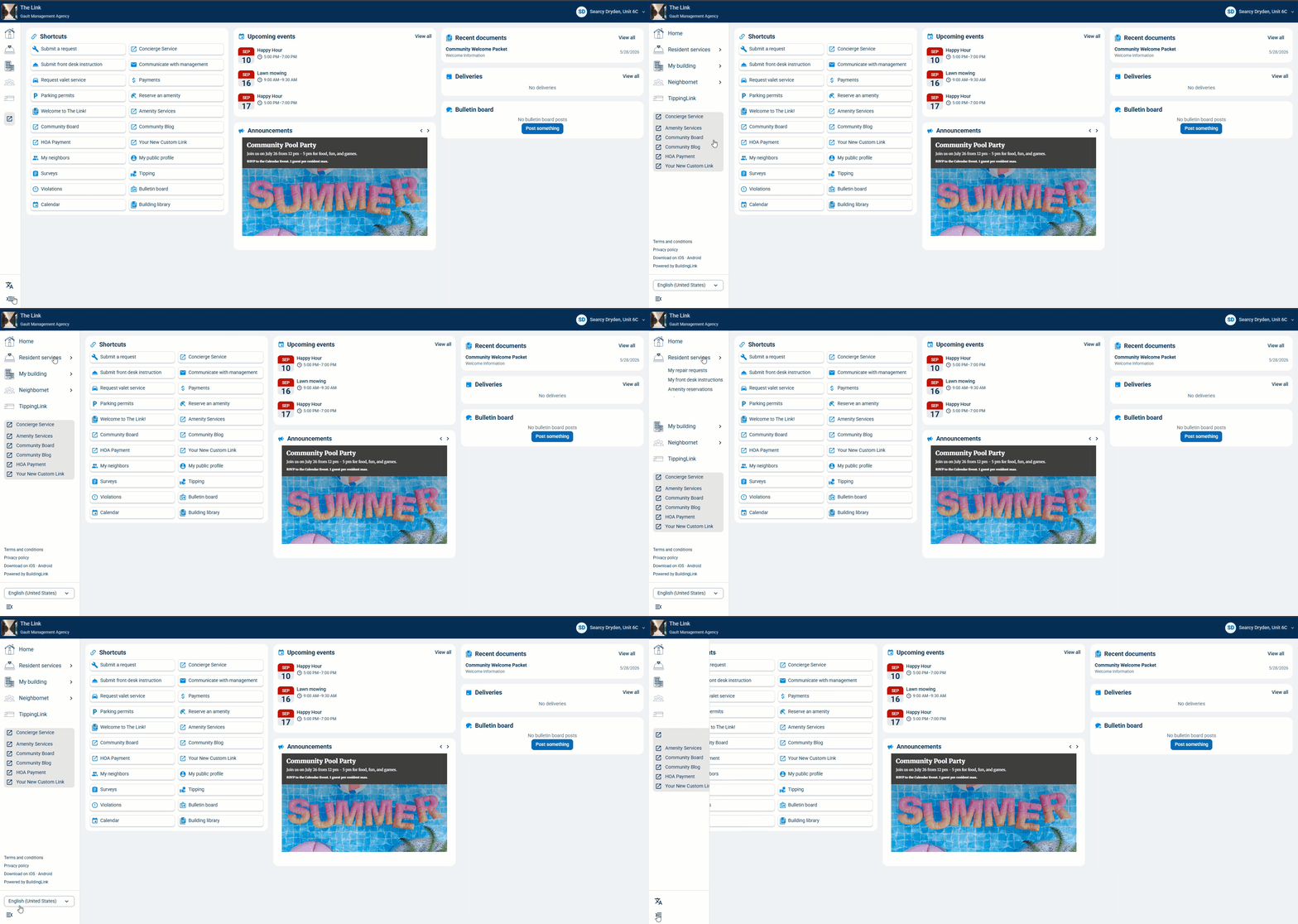
You can also expand the left navigation menu by clicking
 to hold it open or close it.
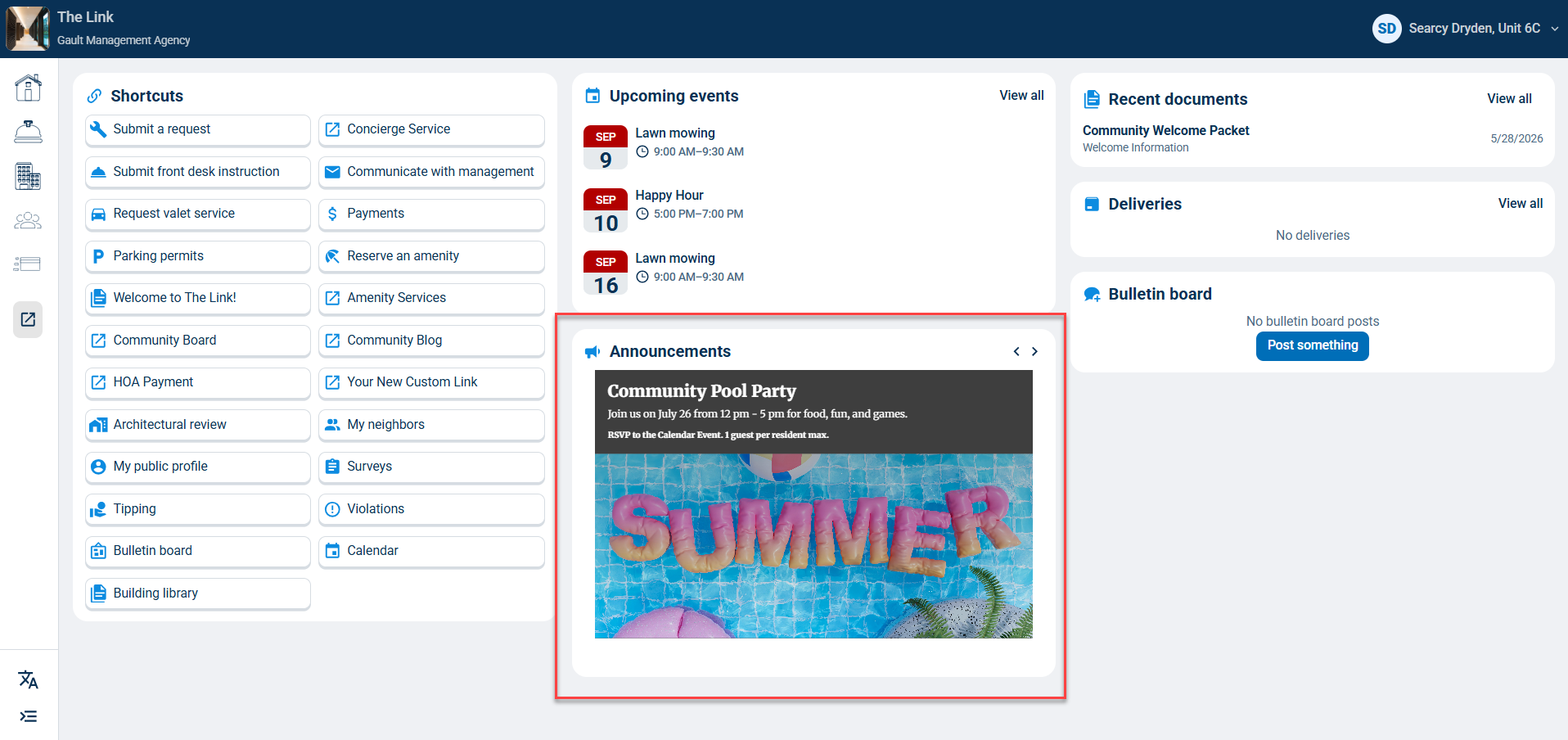
Announcements
Any community announcement will show in this section. You can click the  to move through multiple announcements.
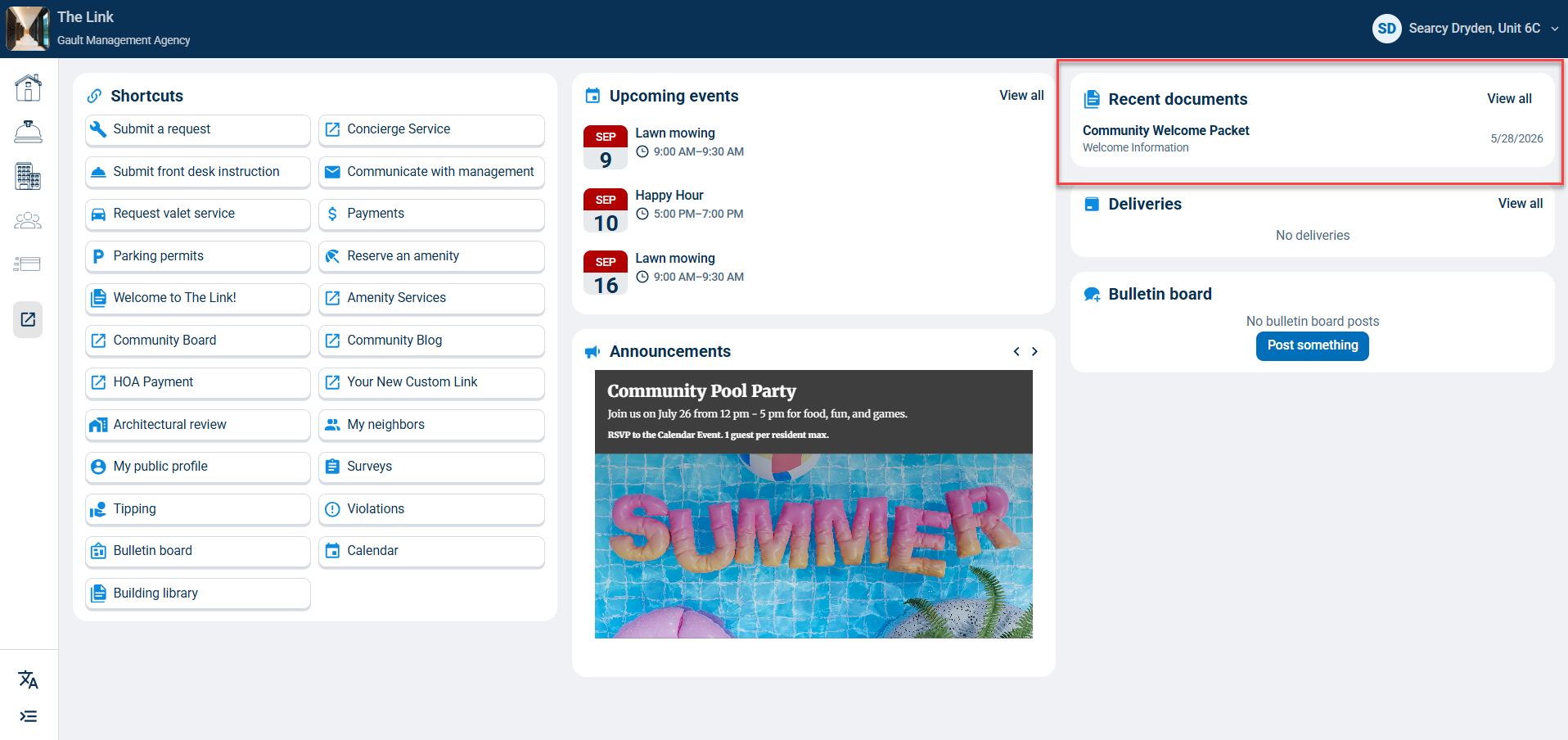
Recent Documents
In this section, you will see any recently added Building Library documents by category
and can click View all to go to the full Building Library.
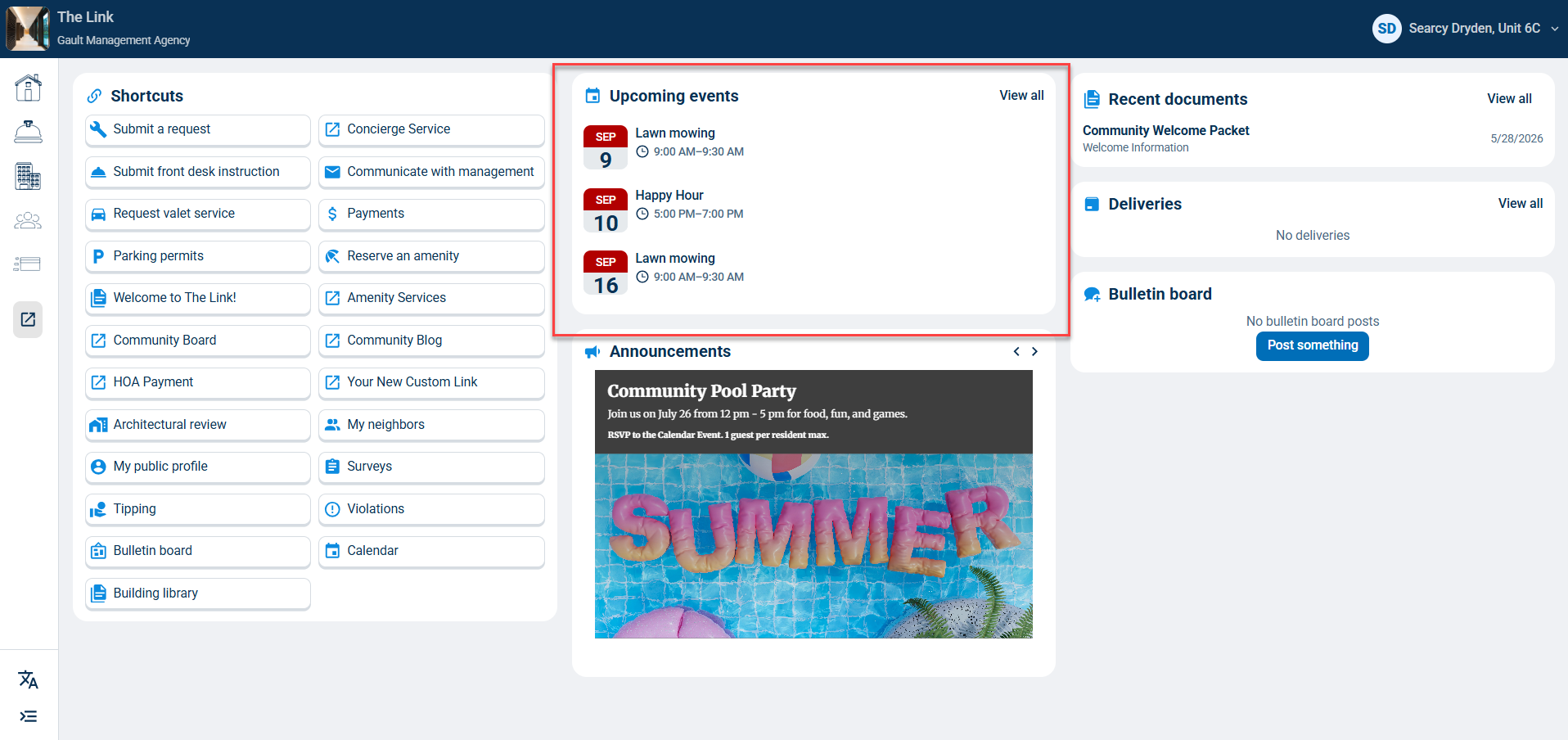
Upcoming Events
In this section, you will see upcoming community events and can click View all to go to the full calendar.
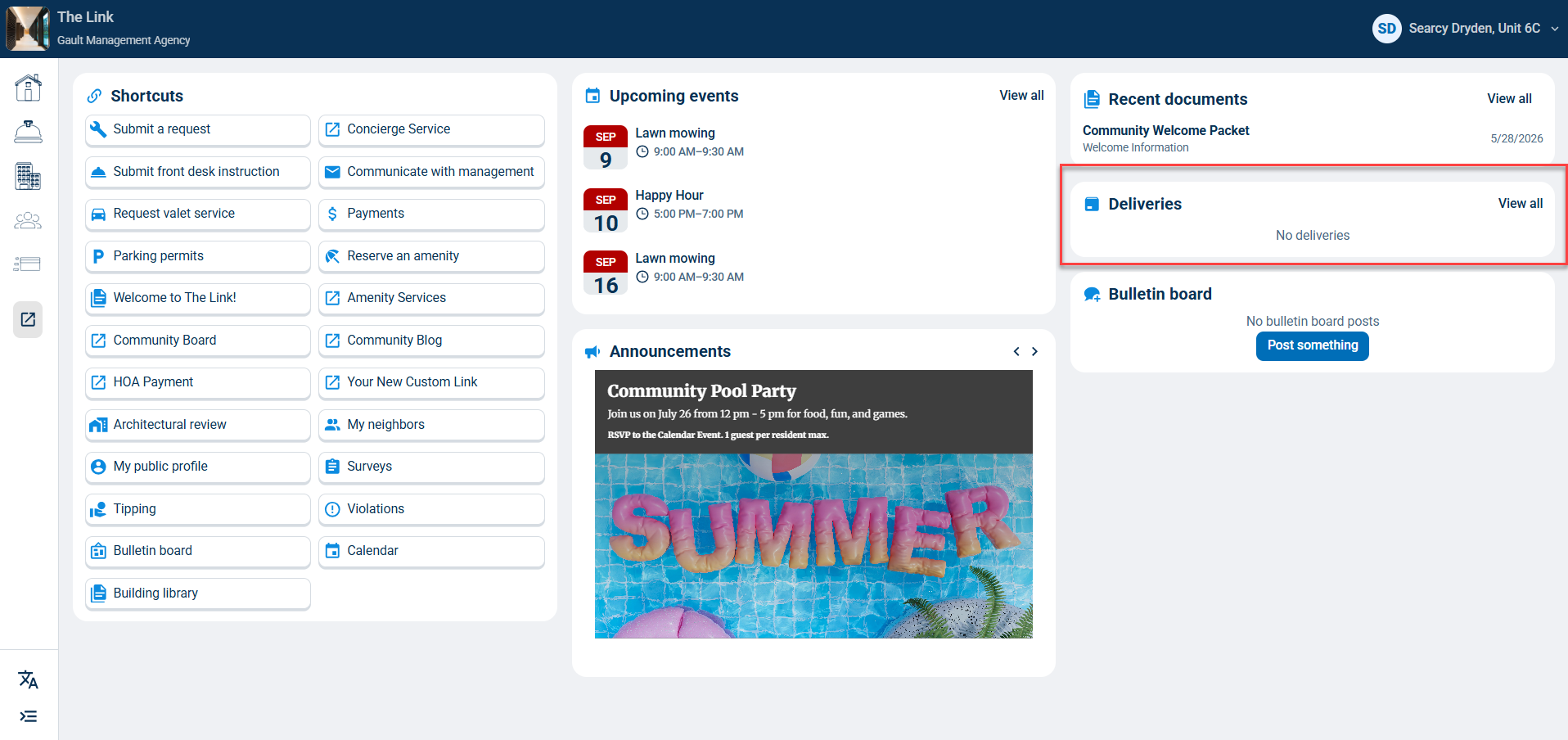
Deliveries
In this section, you will see any recently added deliveries and can click View all to see all open deliveries.
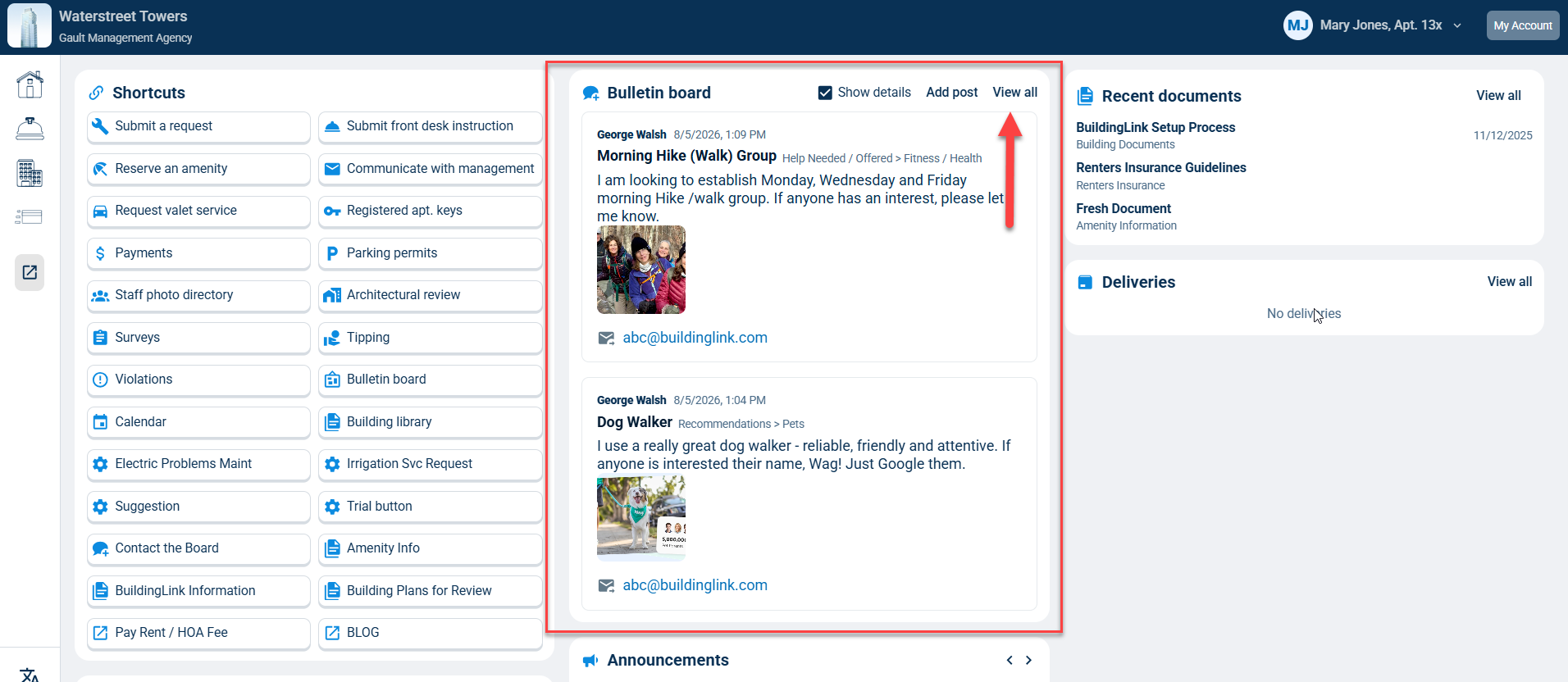
Bulletin Board
In this section, you will see the 5 most recent Bulletin Board posts and can click View all to go to the full Bulletin Board.