Note: This article is for the newly redesigned module. This updated module is in the process of being rolled out and may only be available to some users.
Overview
The Board Only section allows residents designated as Board Members by management to view items with Board viewing permissions. This module will display library documents, calendar events, or survey questions with board member-specific viewing permissions, as well as maintenance requests, resident contact information, and analytics, depending on your property's settings. If you have access to the Board Only section, you will see it on the left side of your screen from you resident homepage.
Note: Click on the images to enlarge them.
Table of Contents
Board Home
The Board Home page is a dashboard for all Board related content. Current Board members are listed here to show who has access to the Board Only section. Board surveys, calendar events, documents, and Message links are also displayed for easy access.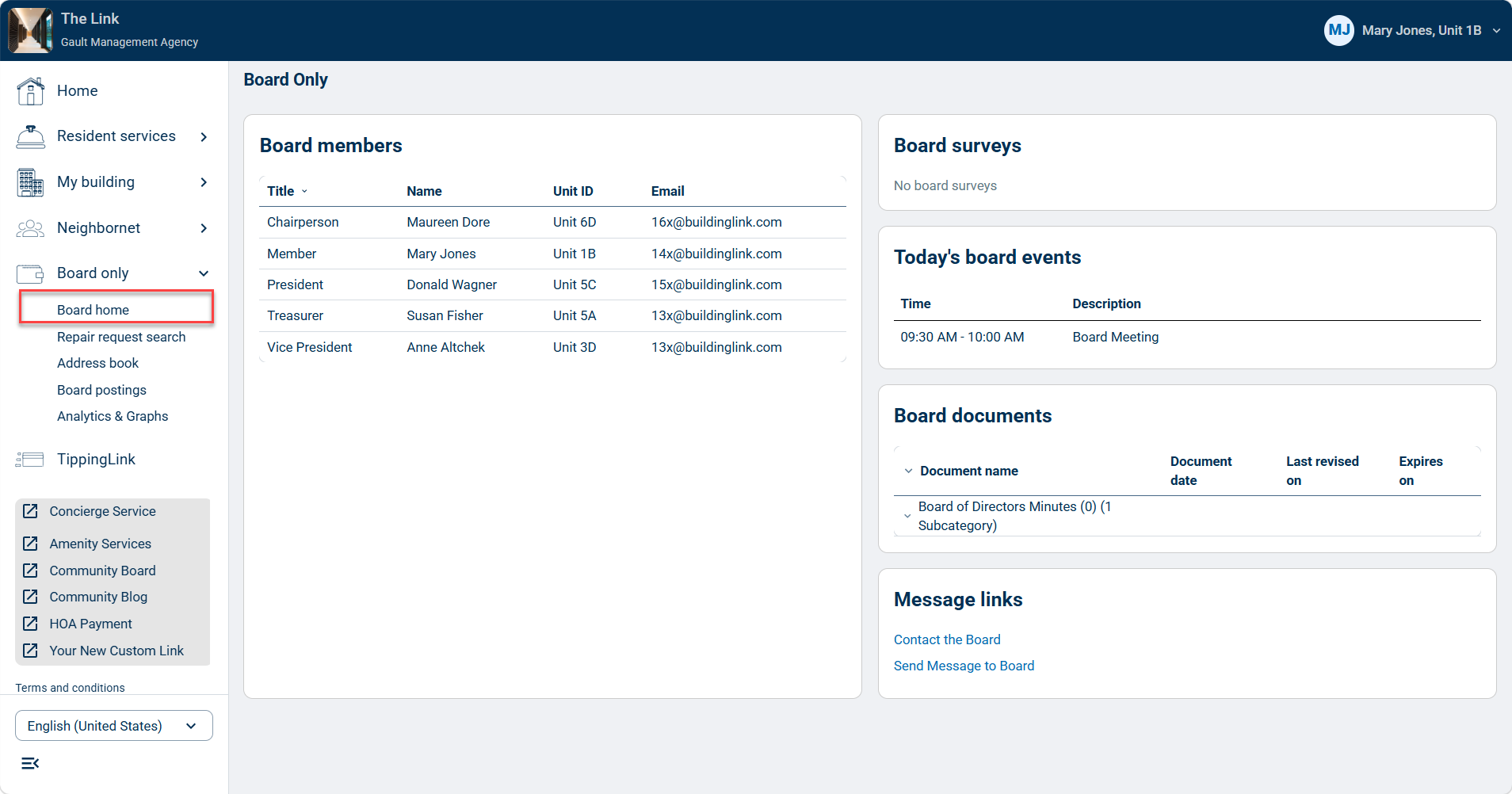
Repair Requests Search
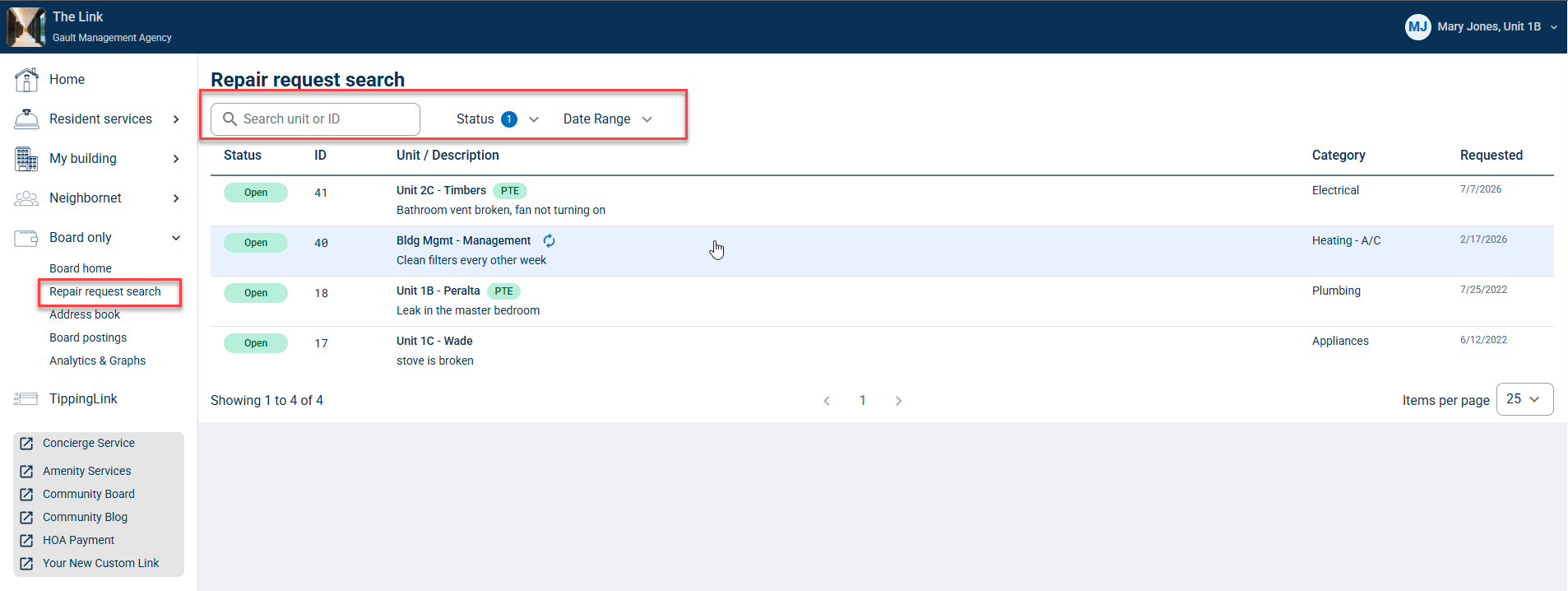
Board members may be given access to view Maintenance Request data. If given this access, the Repair Requests Search page will allow Board members to see the current request list and search requests by unit, status, and date range.
Click a maintenance request to view its details and its Activity Log.
Address Book
Board members may be given access to view all resident contact information. If given this access, the Address Book page will allow Board members to search and view any contact information (email and phone number) saved in resident profiles.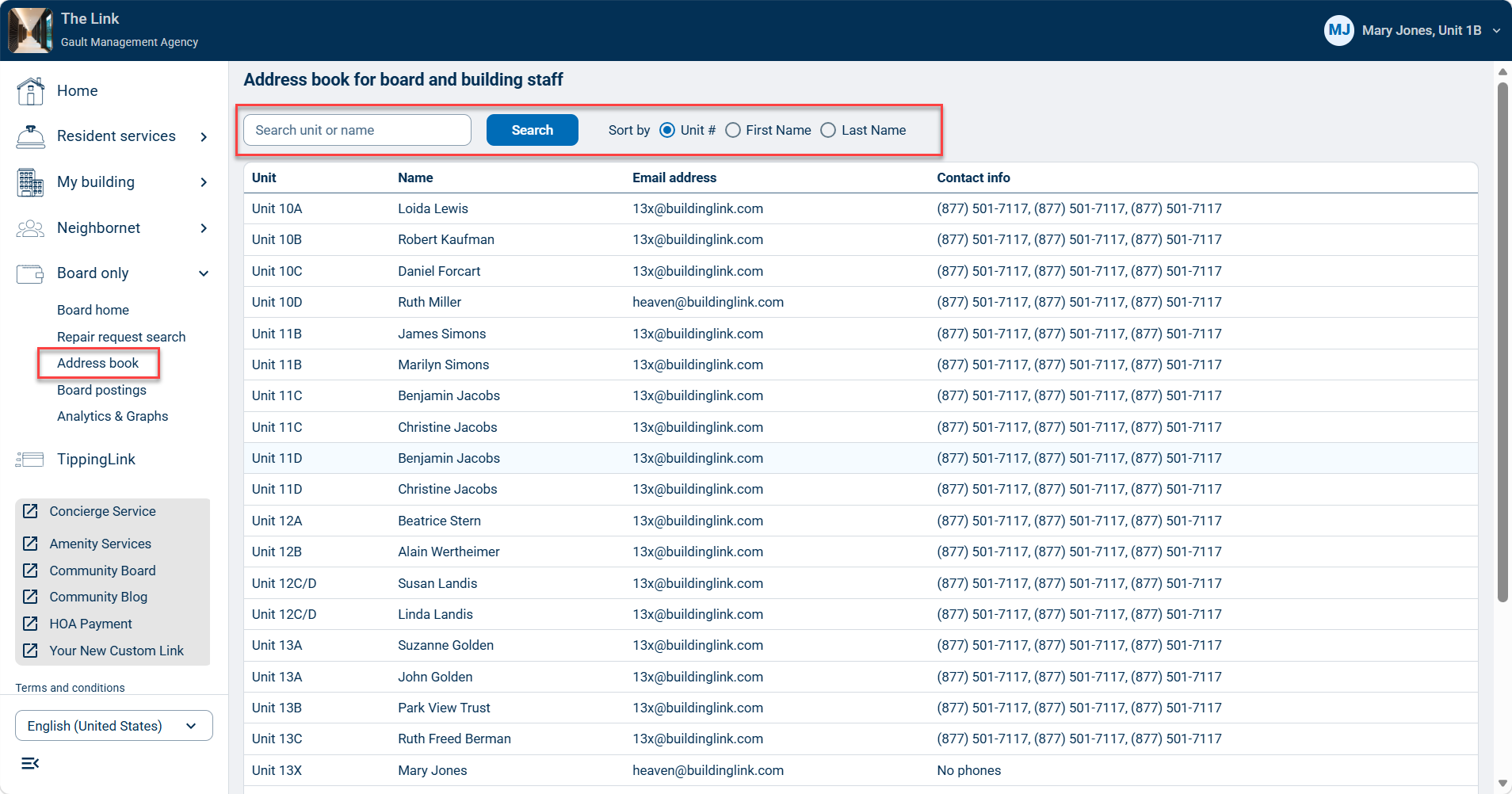
Board Postings
Board postings will take Board members directly to the default Bulletin Board category: Board Topics. This category is only visible to Board members and can be used by the Board members as a forum to post and discuss any topic.
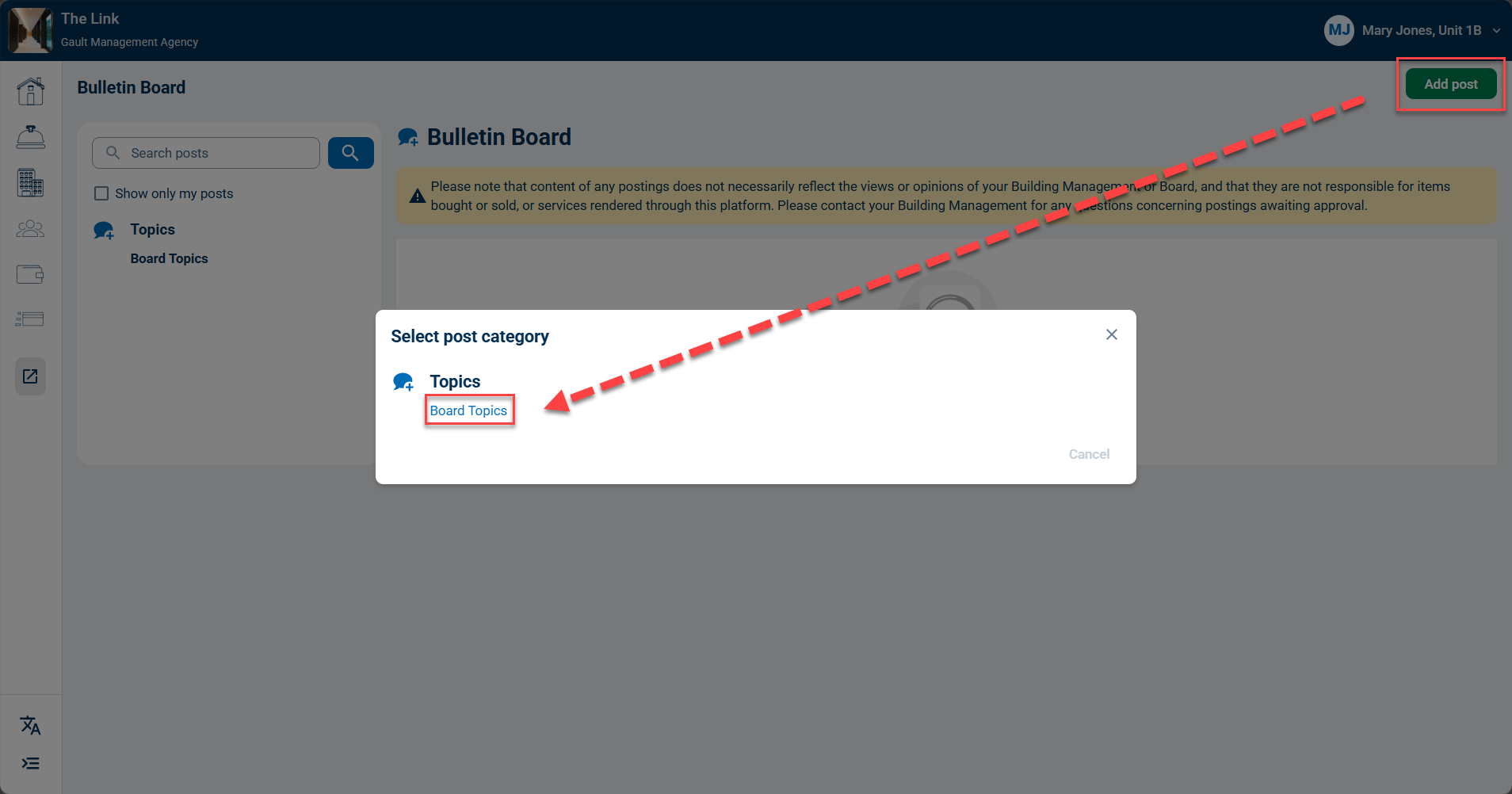
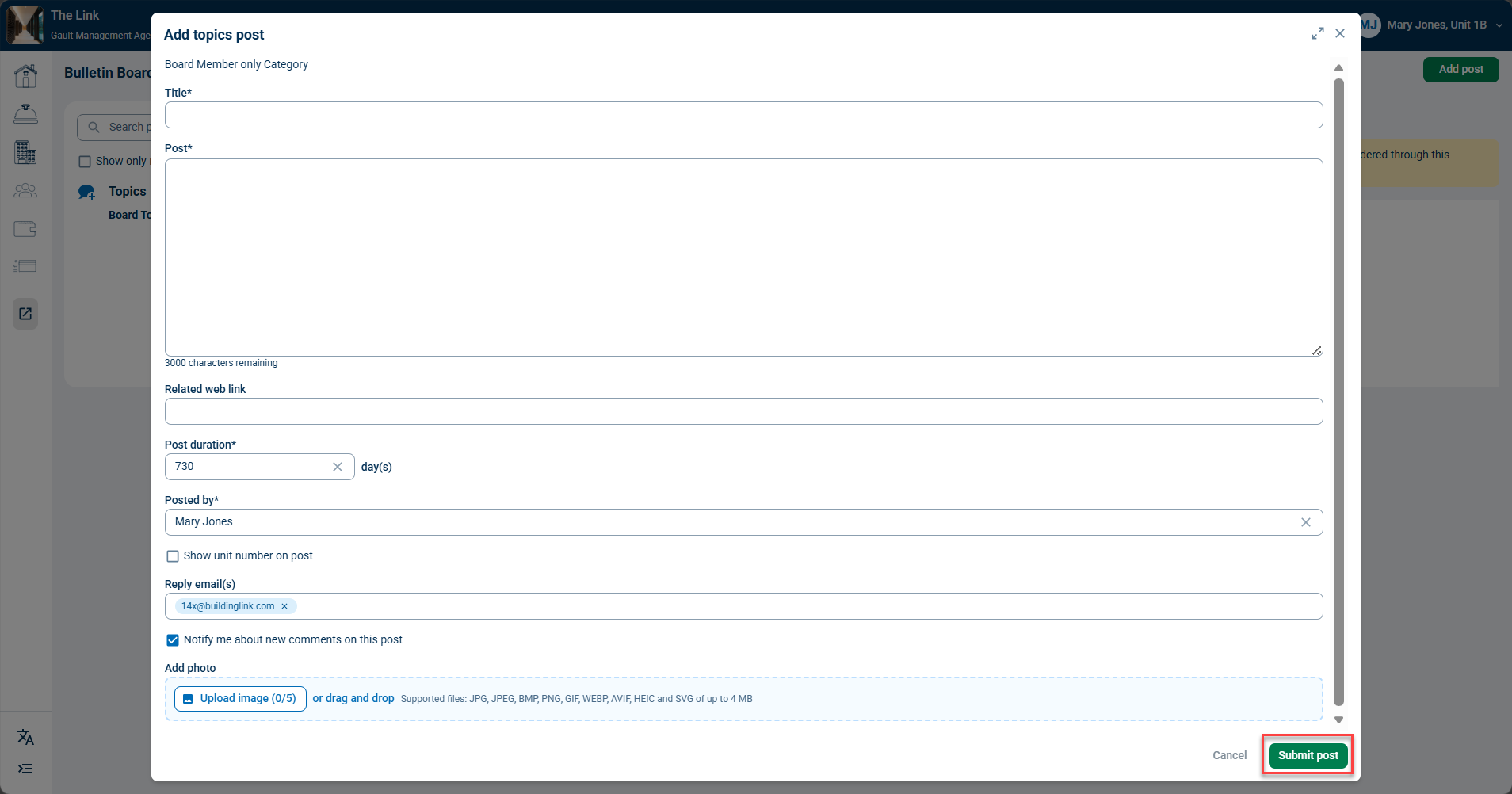
Click Add post to start a new discussion. Select the Board Topics category. Fill out your post details and click Submit post to add it to the Bulletin Board.
Note: If you don't see this section, please contact your property manager to enable it. 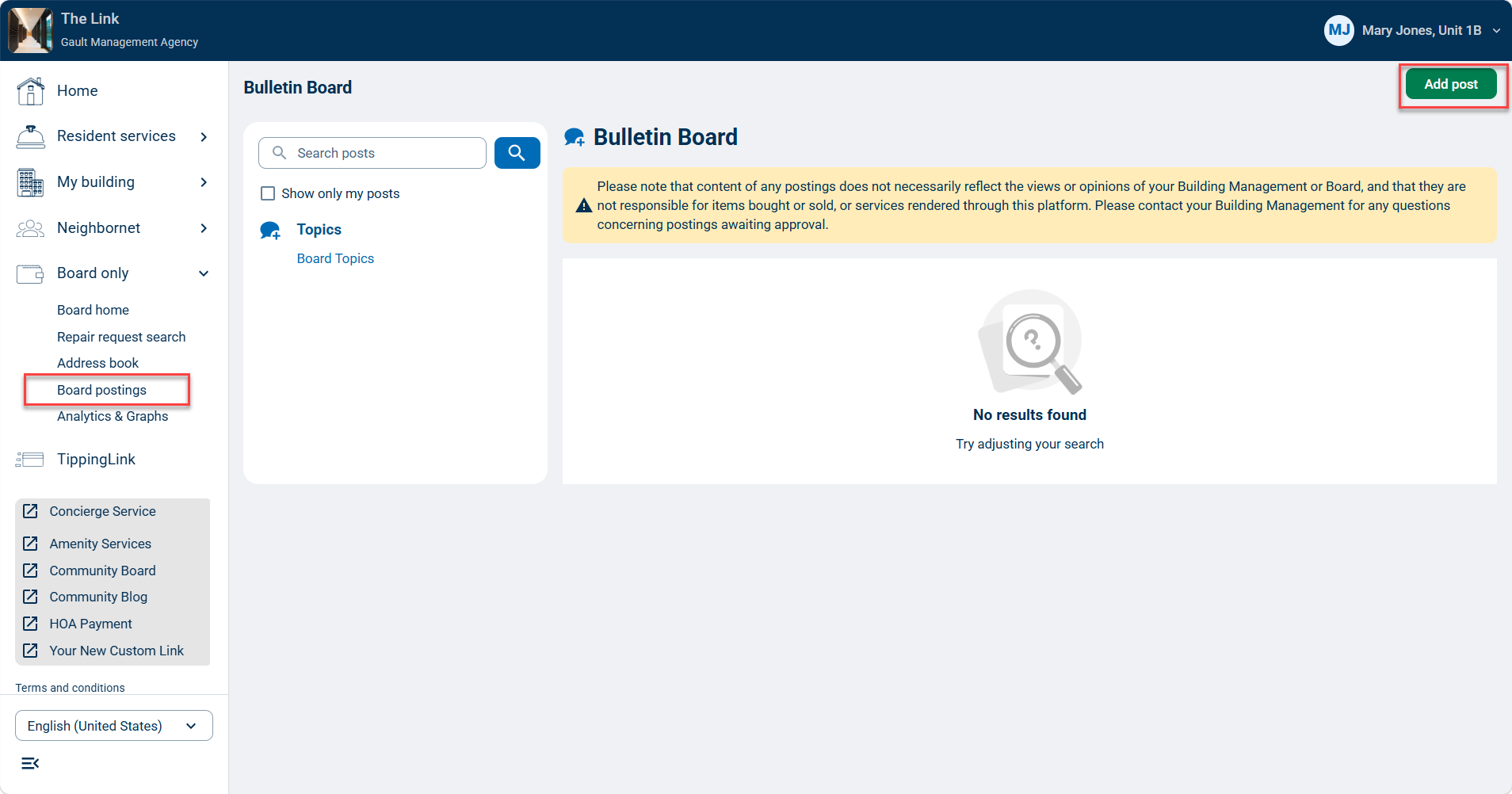
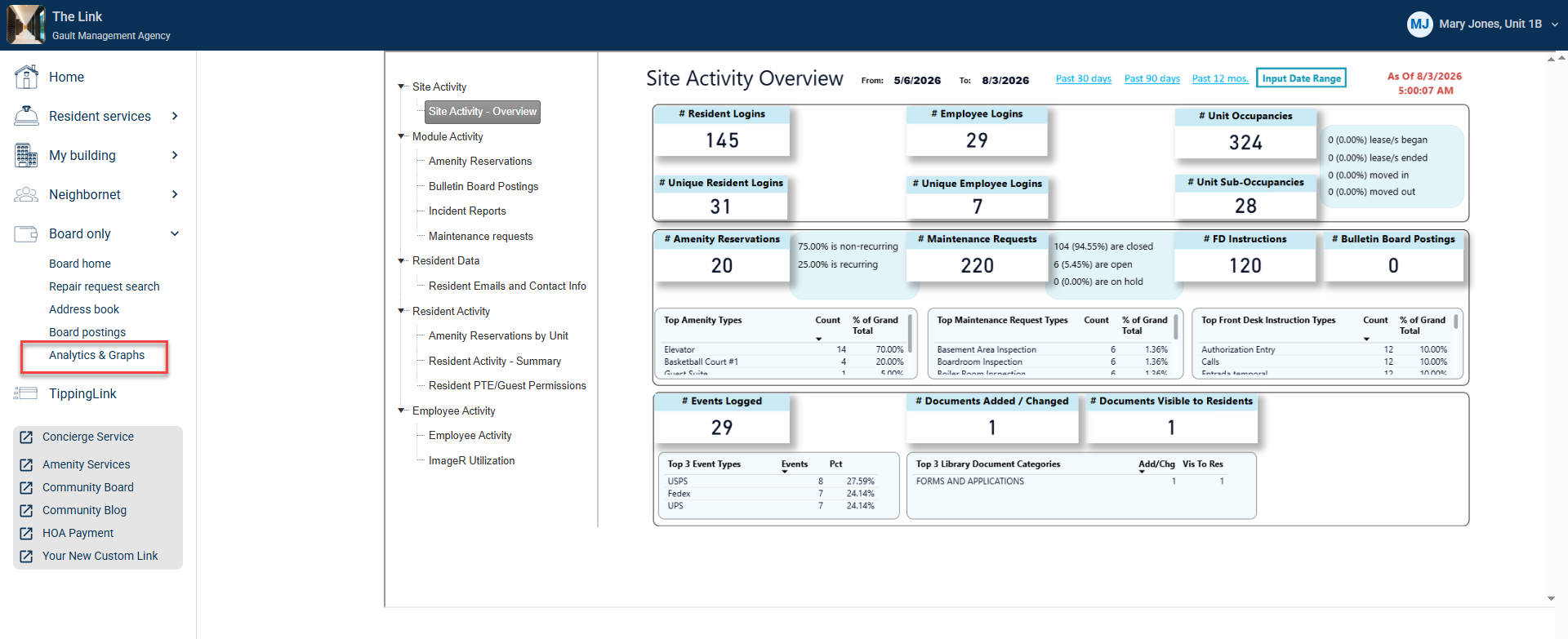
Analytics & Graphs
Board members may be given access to view Analytics and Graphs data. If given this access, the Analytics & Graphs page will allow Board members to view analytics data for BuildingLink site usage through specific date ranges.