

Note: This article is for the newly redesigned module. This updated module is in the process of being rolled out and may only be available to some users.
Overview
Depending on your property's settings, the Parking Permits feature allows you to view and print parking permits issued by property staff or view, issue, and print parking permits from the BuildingLink Resident Portal. Once you issue a parking permit, your property staff will automatically see it. This feature may or may not be enabled for your property.
Note: Click on the images to enlarge them.
Table of Contents
Issuing a Parking Permit
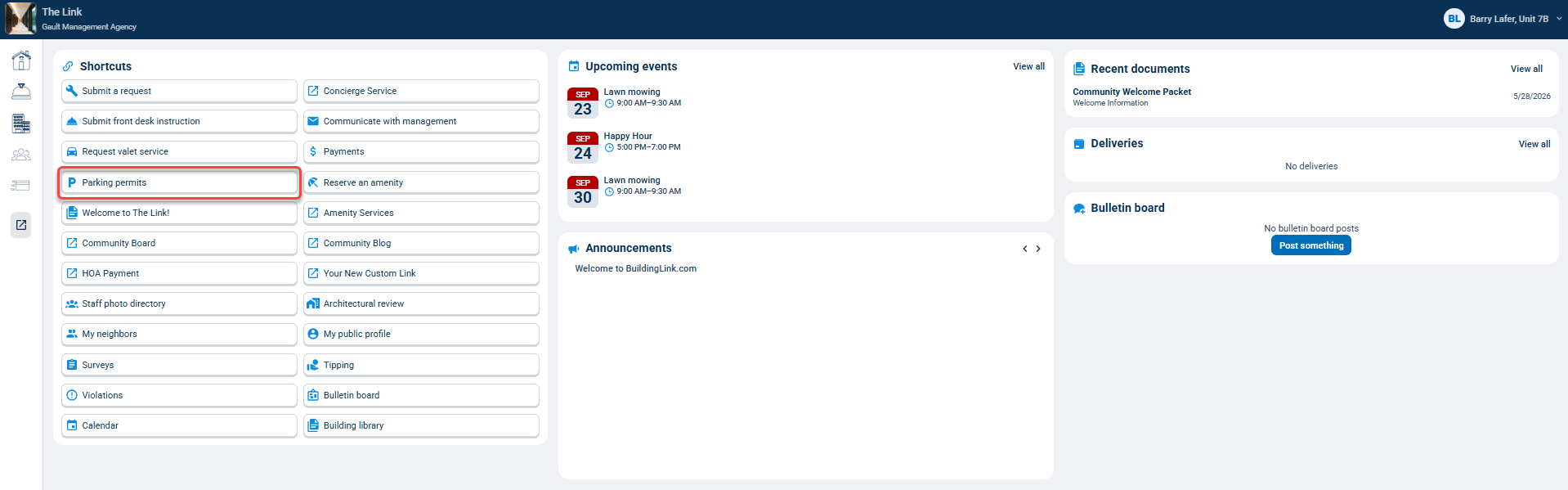
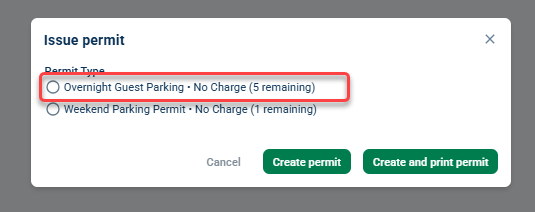
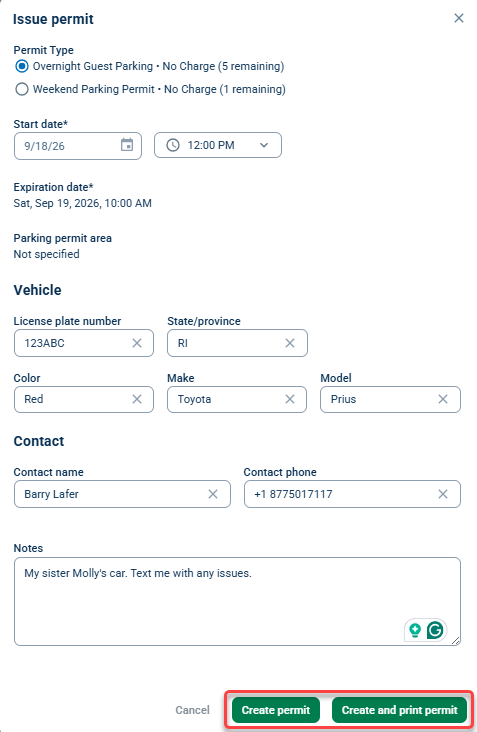
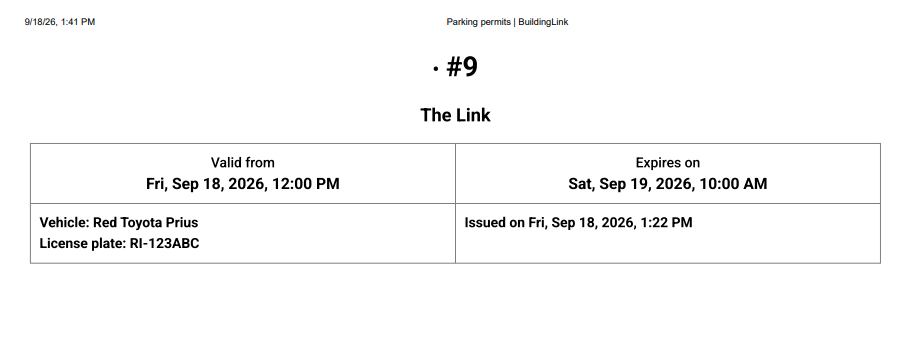
If your building has enabled residents to issue parking permits through BuildingLink, you can issue them by clicking Parking permits in the "Shortcut" section on your Homepage, selecting a parking permit type, filling out the form, and clicking Create permit (if you want to print it later) or Create and print permit.
Viewing and Printing Parking Permits
To view or print your issued parking permits, go to Resident Services and select Parking permits.
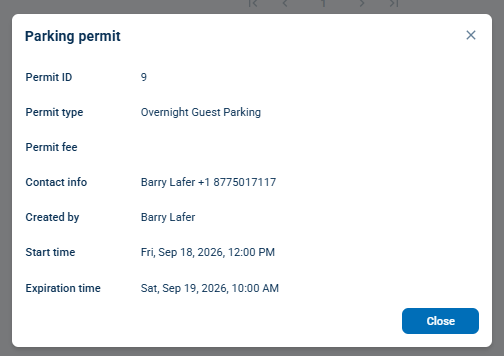
Click a permit row to view more details.
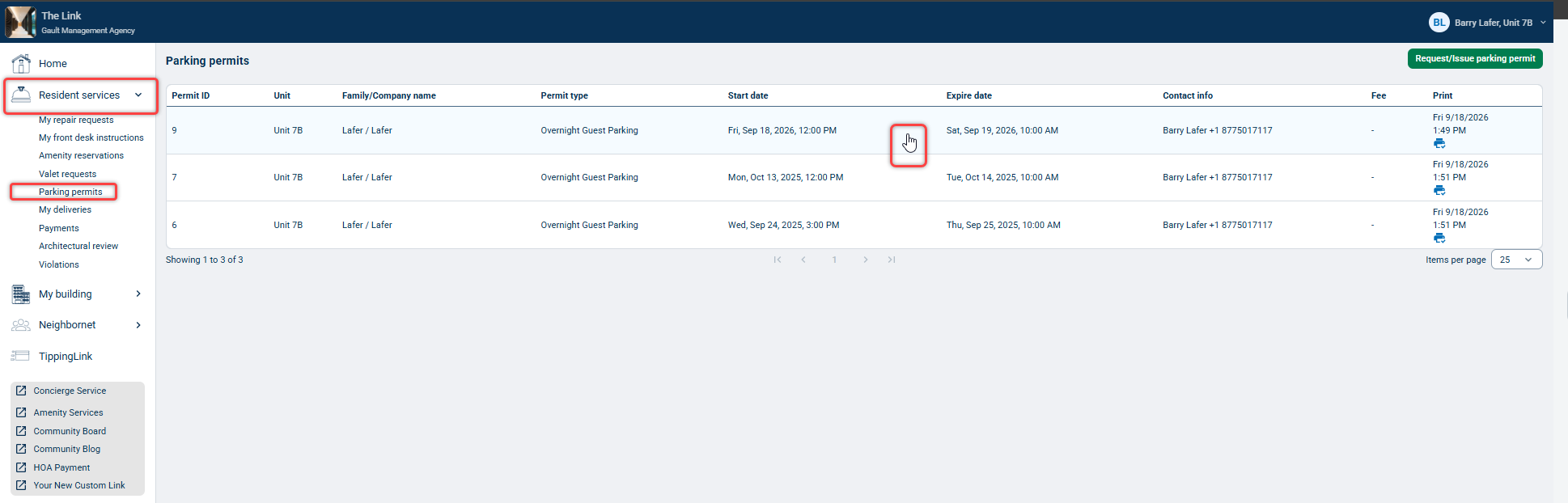
Click  and follow the prompts to print/ re print your permit.
Click the Request/Issue parking permit button to issue a new permit from this page.
Note: If you don't see the button to issue permits, you only have permission to view permits.
