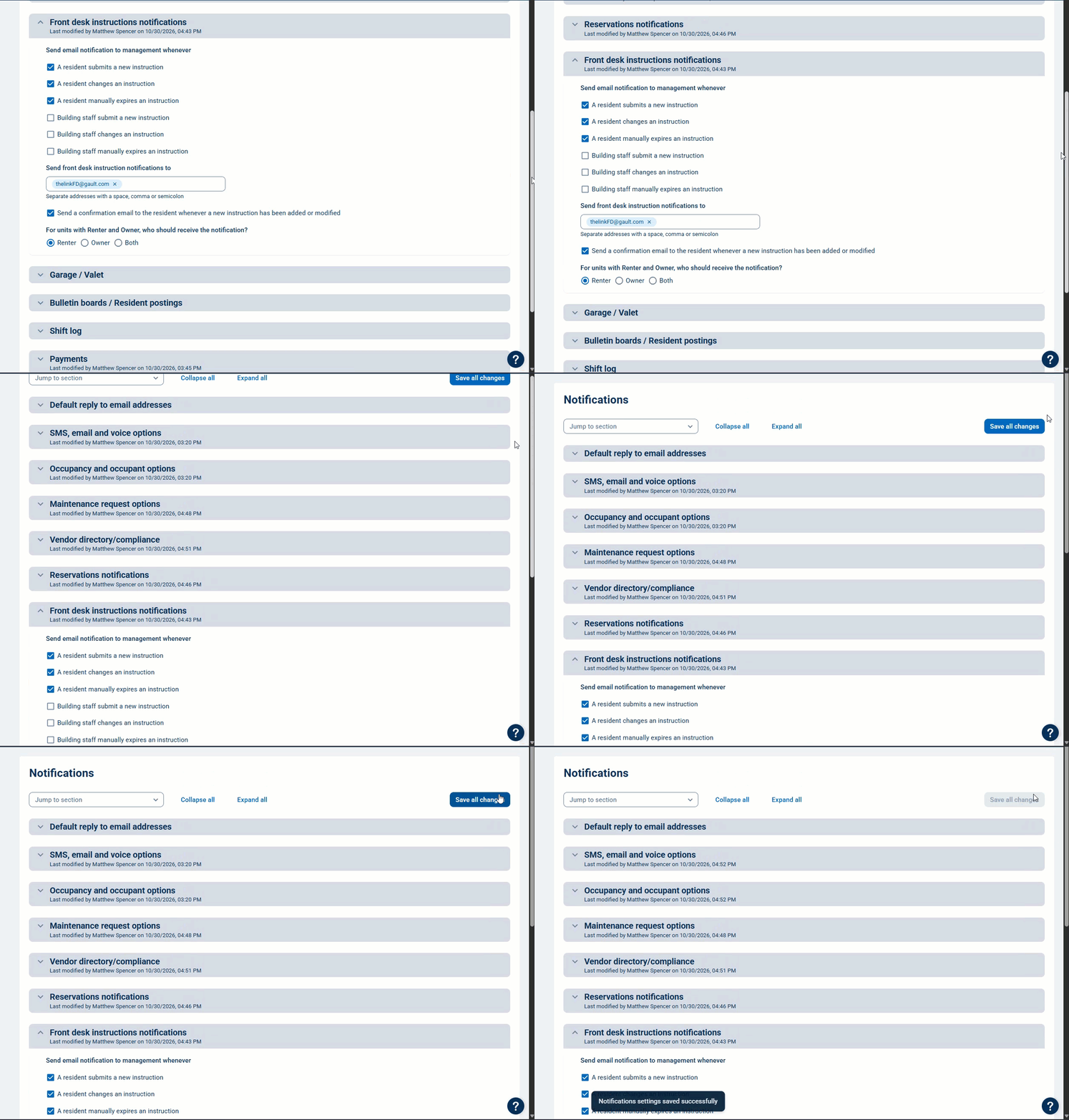
Note: This article is for the newly redesigned module. This updated module is in the process of being rolled out and may only be available to some users.
Overview
The Notification Settings module allows Security Officer and Management users to update the notifications for all property modules in one place, instead of going into each module to update them. You can also update your default email, SMS, voice, unit profile, and occupant profile notifications here.
Note: Click on the images to enlarge them.
Viewing Notifications Settings
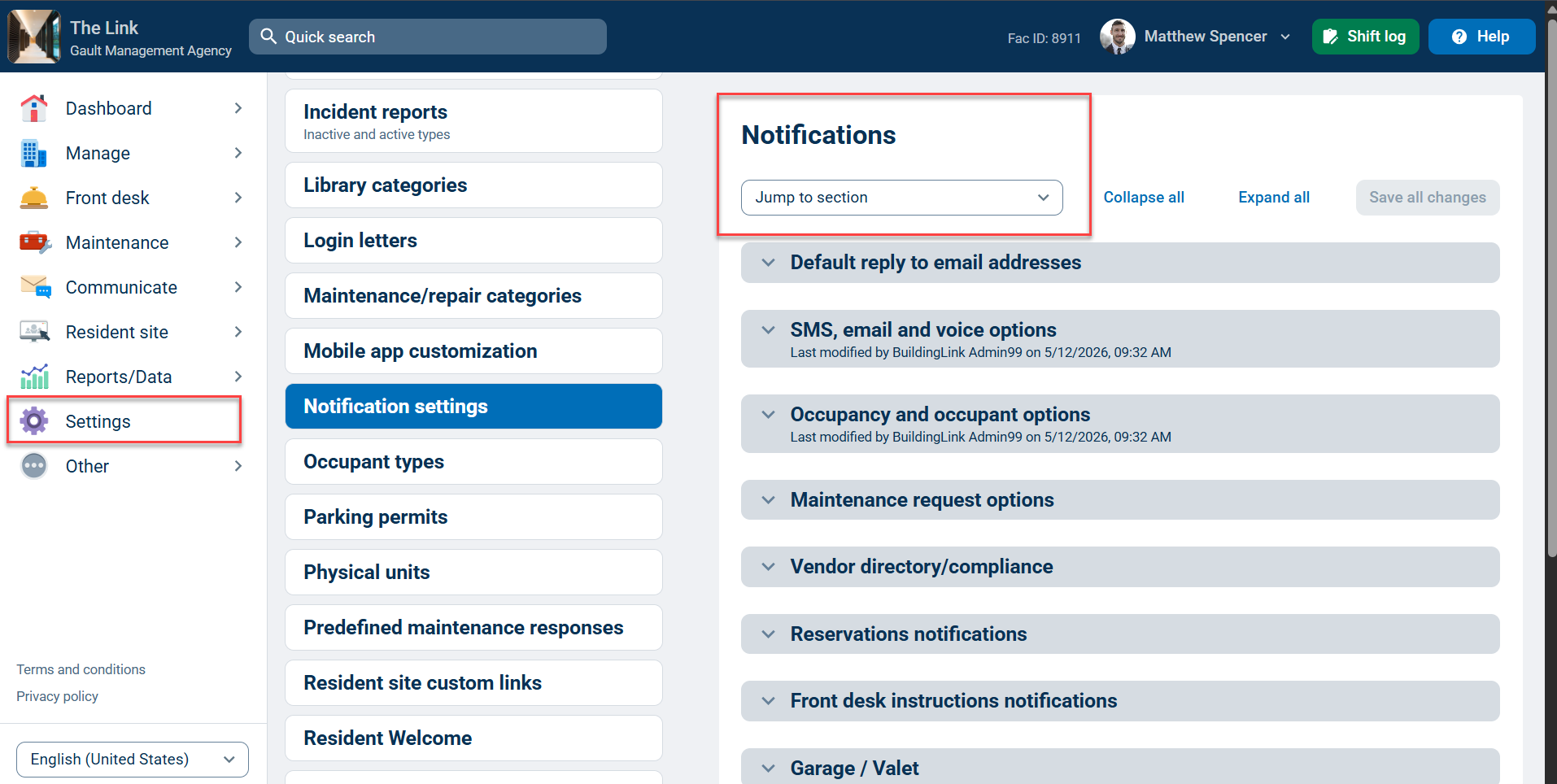
To view your notification settings, go to the Settings tab and select Notification settings. Next, click the Jump to section dropdown to select a section, and you will be taken to that section on the page. Click the section to expand it.
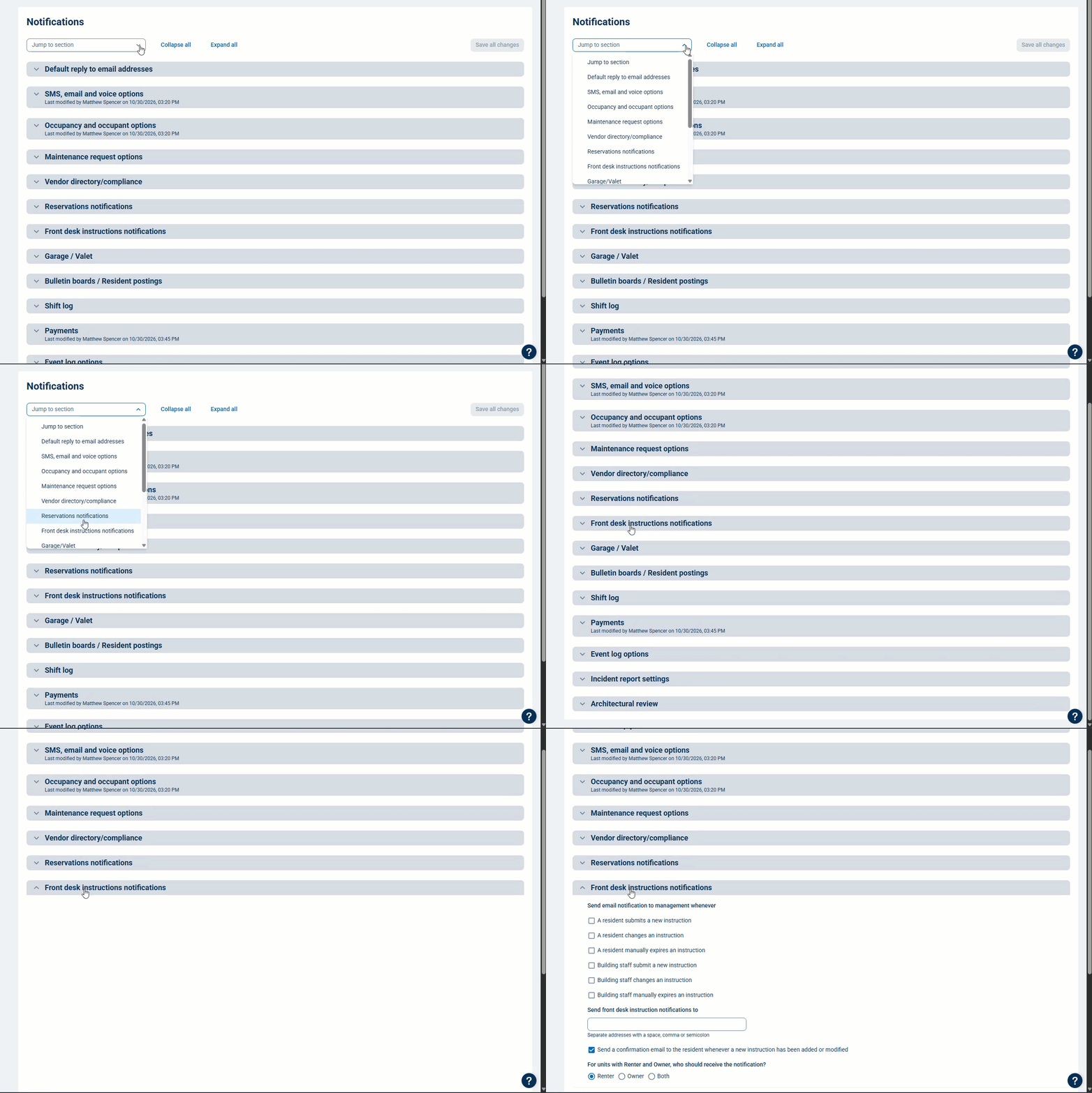
Next, edit the notifications you want to change and scroll to the other sections you want to edit. When you're done with all your edits, click Save all changes at the top of the page.