Note: This article is for the newly redesigned module. This updated module is in the process of being rolled out and may only be available to some users.
Overview
When a resident is added to the BuildingLink system, a profile is created for them along with a username and password. If you have Security Officer or Management level access to the system, you can send login credentials to your residents. A resident may also retrieve their credentials and reset their password using the Forgot Username/Password link on the login page.
You are only able to send or print your residents' BuildingLink credentials from the web-based Staff Portal. The BuildingLink GEO app does not currently have access to resident credentials.
This article explains how to send or print login credentials for occupants in a specific unit from the Unit Overview. If you're looking for information about sending bulk resident login credentials or updating the text of your login letter, see Login Letters.
Note: Click on the images to enlarge them.
Table of Contents
Email Login Credentials
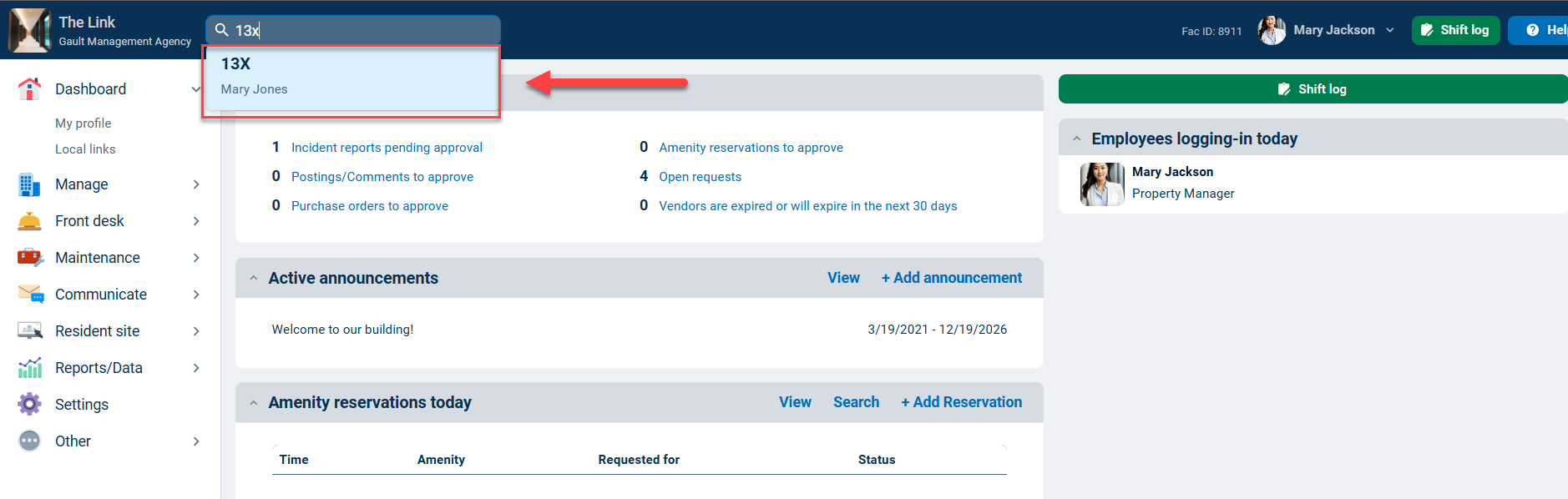
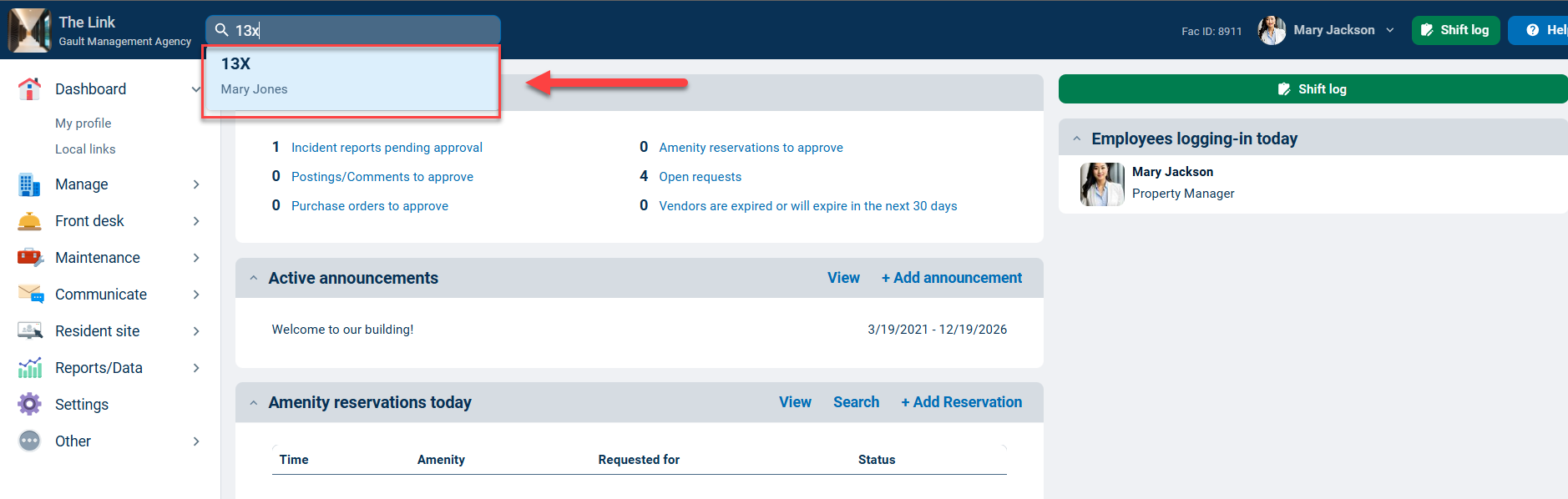
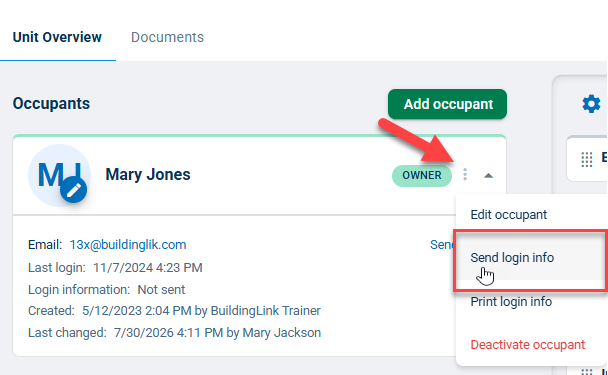
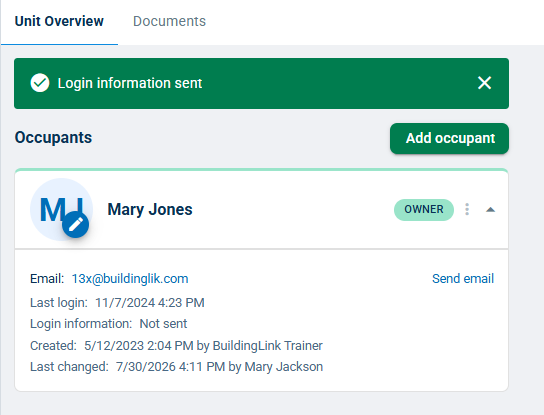
On the web-based Staff Portal, use the Quick Search to enter the resident’s first/last name or unit number. Select the unit to load the Unit Overview page. Click the three dots to the right of the occupant type and choose Send login info. Clicking Send login info sends a login letter with the setup password link to the email address in the resident's profile.
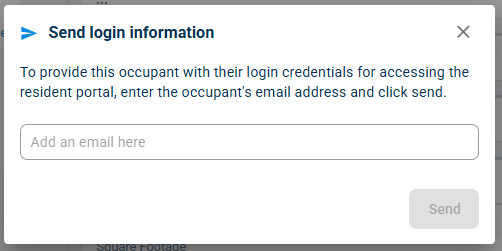
Note: If the resident doesn't have a valid email address in their profile, the system will prompt you to add one before you can send login information.
Print Login Credentials
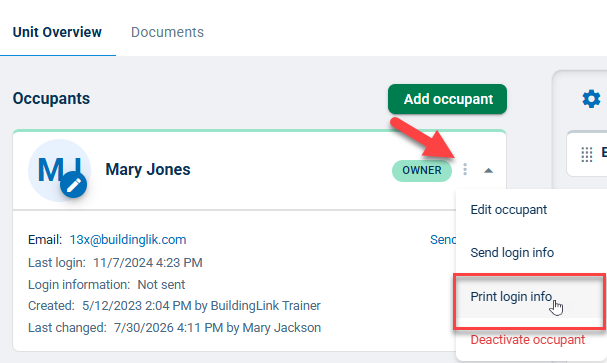
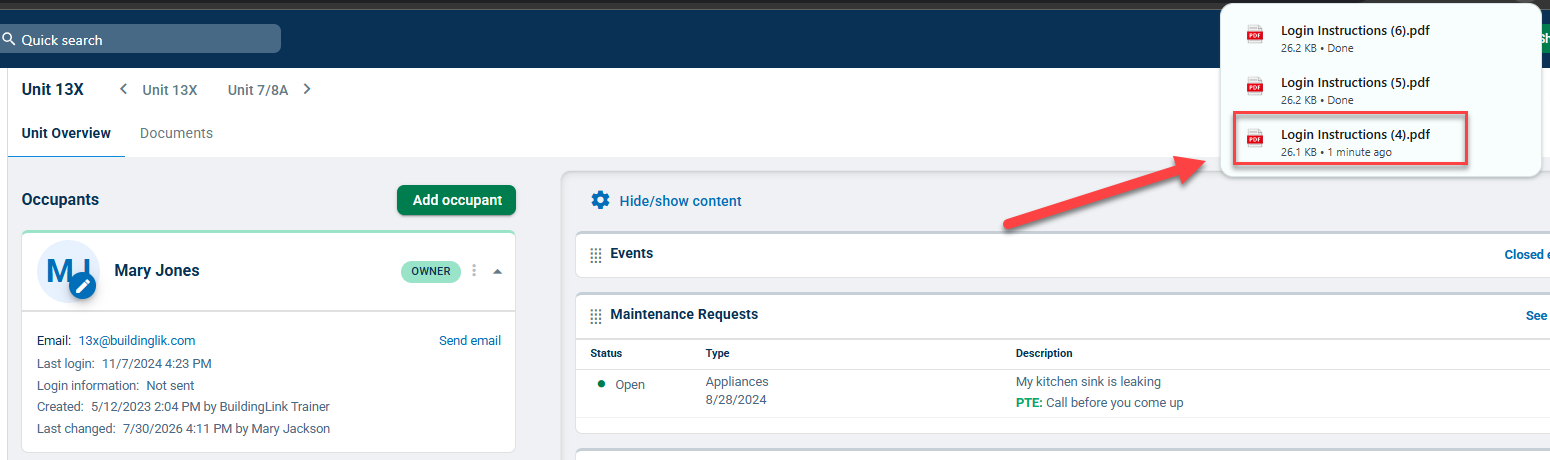
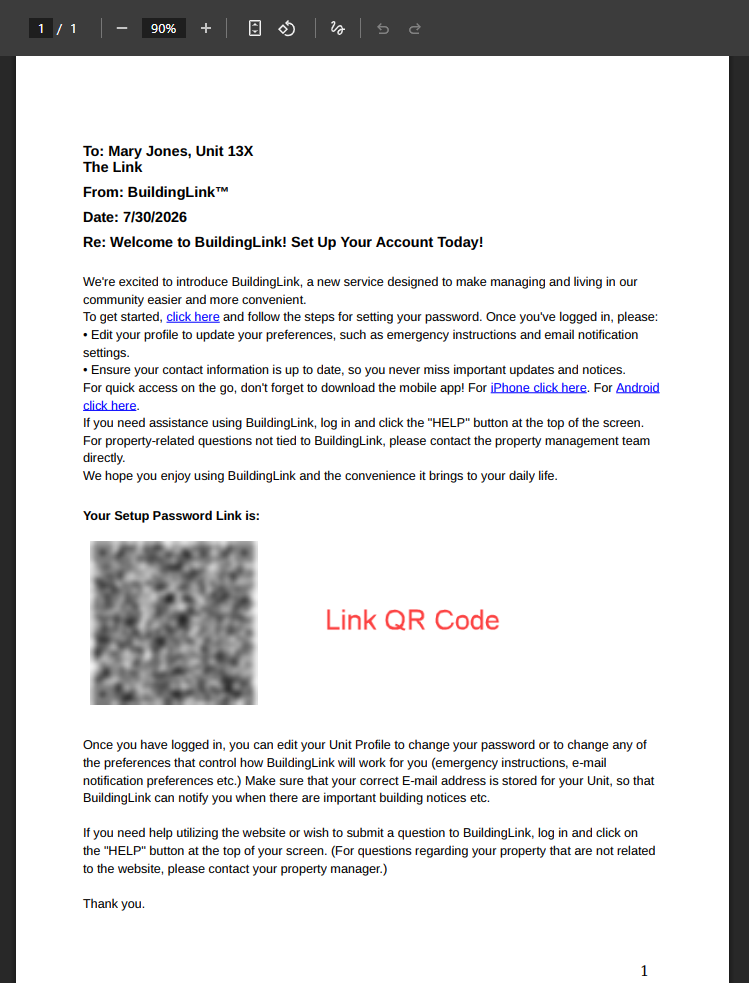
On the web-based Staff Portal, use the Quick Search to enter the resident’s first/last name or unit number. Select the unit to load the Unit Overview page. Click the three dots to the right of the occupant type and choose Print login info. Clicking Print login info automatically downloads a PDF titled Login Instructions. Click the file to open and print.
Note: The setup password link will appear as a scanable QR code in the printed login instructions.